
The Best Astro Integrations to Use in Your Next Project
The best Astro integrations to implement awesome features in your projects, and improve your website development experience.


•
6 min read
Up your Astro website game with these Astro integrations. Some of these are maintained by Astro, while others are maintained by the community. All of them are awesome.
The Best Astro Integrations
- astrojs/tailwind
- astro-seo
- astrojs/react, astrojs/solid, etc
- astro-compress
- astrojs/mdx
- astro-icon
- astrojs/sitemap
- astro-auto-import
- astrojs/rss
Starwind UI
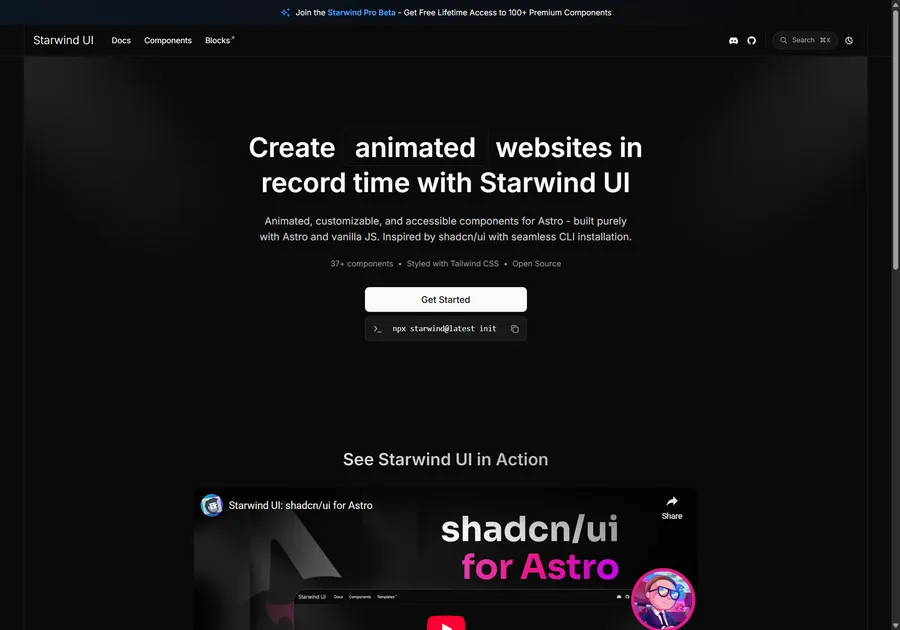
I've learned a lot developing with Astro. So I crafted 37+ animated and accessible components to help you get started with your next project. Inspired by shadcn/ui with seamless CLI installation. Free and open source.
astro/tailwind
Planning to use Tailwind in your projects? Then you’ll need the @astrojs/tailwind integration. You can install it easily with npx astro add @astro/tailwind, which sets installs the package and updates the config for you.
astro-seo
This component makes it easy to add tags that are relevant for search engine optimization (SEO) to your pages. This is obviously important for any type of search engine optimization, and is a must-have for any website.
You install it with npm install astro-seo, and then use it inside the <head> tag of your page. It supports Open Graph and Twitter tags, and you can extend it with your own tags as well.
---
import { SEO } from "astro-seo";
---

<html lang="en">
  <head>
    <SEO
      title="A Very Descriptive Title"
      description="A heavily optimized description full of well-researched keywords."
      openGraph={{
        basic: {
          title: "A Very Descriptive Title",
          type: "A type.",
          image: "https://user-images.githubusercontent.com/5182256/131216951-8f74f425-f775-463d-a11b-0e01ad9fce8d.png",
        }
      }}
      twitter={{
        creator: "@bowtiedwebreapr",
      }}
      extend={{
        // extending the default link tags
        link: [{ rel: "icon", href: "/favicon.ico" }],
        // extending the default meta tags
        meta: [
          {
            name: "twitter:image",
            content: "https://user-images.githubusercontent.com/5182256/131216951-8f74f425-f775-463d-a11b-0e01ad9fce8d.png",
          },
          { name: "twitter:title", content: "Title for twitter" },
          { name: "twitter:description", content: "Description for twitter" },
        ],
      }}
    />
    // ... rest of <head>
  </head>
  <body> // ... body </body>
</html>
astro-seo on GitHub
astrojs/react, astrojs/solid, etc
@astrojs/react, @astrojs/solid, and others for similar front-end frameworks are great for building websites. They allow you to use the full power of your favorite framework, while still getting the benefits of Astro. You can install them with npx astro add @astrojs/react or npx astro add @astrojs/solid, depending on which one you want to use.
Other ones exist for vue, svelte, preact, and more. You can find them all on the integrations page of the Astro docs.
astro-compress
When you build your code, you’ll want to shrink the file size as much as possible to speed up loading. astro-compress does this for you automatically, and is super easy to set up. Just install it with npx add astro-compress. It will automatically compress your CSS, HTML, SVG, JavaScript and image files.
TIP
You’ll want to make sure it is placed last in your integrations list in the astro config file.
import Compress from "astro-compress";

export default { integrations: [OtherIntegrations(), Compress()] };
astro-compress on GitHub
astrojs/mdx
The @astrojs/mdx integration allows you to supercharge your markdown files by using MDX in your Astro project. It enables usage of MDX components and allows you to create pages as .mdx files.
This MDX integration allows you to use Astro components and any other UI frameworks components inside your .mdx files, just like you would use them within Astro components.
astro-icon
astro-icon is a component that makes it easy to add icons to your website. It supports a ton of different icon libraries, including Font Awesome, Material Design, and more. You can install it with npm install astro-icon, and then use it like this:
---
import { Icon } from 'astro-icon'
---

<!-- Automatically fetches and inlines Material Design Icon's "account" SVG -->
<Icon pack="mdi" name="account" />

<!-- Equivalent shorthand -->
<Icon name="mdi:account" />
astro-icon on GitHub
astrojs/sitemap
The @astrojs/sitemap integration is another must-have for any website. It allows you to generate a sitemap for your website, which is necessary for SEO.
You can install it with npx astro add @astrojs/sitemap, and then configure it in your astro.config.mjs file.
import { defineConfig } from 'astro/config';
import sitemap from '@astrojs/sitemap';

export default defineConfig({
  // ...
  site: 'https://webreaper.dev',
  integrations: [sitemap()],
});
CAUTION
If you forget to add a site, you’ll get a friendly warning when you build, and the sitemap-index.xml file won’t be generated.
astro-auto-import
astro-auto-import is a great integration that allows you to automatically import components and other files in your MDX files. This is useful for components you frequently use in those files, such as my Admonition component I use frequently in these blog posts!
INFO
You will need the @astrojs/mdx integration, as this provides imports for .mdx files.
Install it with npm i astro-auto-import, and then configure it in your astro.config.mjs file.
import { defineConfig } from 'astro/config';
import AutoImport from 'astro-auto-import';
import mdx from '@astrojs/mdx';

export default defineConfig({
  integrations: [
    AutoImport({
      imports: [
        // Import a component’s default export
        // generates:
        // import A from './src/components/A.astro';
        './src/components/A.astro',

        {
          // Explicitly alias a default export
          // generates:
          // import { default as B } from './src/components/B.astro';
          './src/components/B.astro': [['default', 'B']],

          // Import a module’s named exports
          // generates:
          // import { Tweet, YouTube } from 'astro-embed';
          'astro-embed': ['Tweet', 'YouTube'],
        },
      ],
    }),

    // Make sure the MDX integration is included AFTER astro-auto-import
    mdx(),
  ],
});
astro-auto-import on GitHub
astrojs/rss
The @astrojs/rss integration allows you to generate an RSS feed for your website. This is useful for allowing people to subscribe to your blog, and you can use it to automate email sending when you create a new blog post.
Install it with npm install @astrojs/rss. Then create a file in src/pages/ with a name of your choice and the extension .xml.js to be used as the output URL for your feed. A common RSS feed URL is rss.xml. Then use it like:
import rss from '@astrojs/rss';
import { getCollection } from 'astro:content';

export async function get(context) {
  const blog = await getCollection('blog');
  return rss({
    title: 'Buzz’s Blog',
    description: 'A humble Astronaut’s guide to the stars',
    site: context.site,
    items: blog.map((post) => ({
      title: post.data.title,
      pubDate: post.data.pubDate,
      description: post.data.description,
      customData: post.data.customData,
      // Compute RSS link from post `slug`
      // This example assumes all posts are rendered as `/blog/[slug]` routes
      link: `/blog/${post.slug}/`,
    })),
  });
}
TIP
To add blog post images to your RSS feed, check out this post.
Further Notes
You can search through Astro’s integration list to find these and additional integrations.
Great Success
You now know some good integrations to use on your future Astro projects. Great success. 🚀
Don't forget to follow me on Twitter for more Astro, web development, and web design tips!