

Astro 3.0 introduces some great features. Let’s make it even better by enabling tailwind class auto-sorting with Prettier.
INFO
You do not need to do this if you don’t want Tailwind classes to auto-sort. The Astro extension uses prettier under the hood, so you can still use it to format your code, it just won’t auto-sort tailwind classes.
Requirements
- Website updated to Astro 3.0 (including any other @astrojs integrations)
- Visual Studio Code (or another editor with Prettier support)
- Prettier installed (use the VS Code extension)
Prettier Plugins
There are two plugins you will need to install. These are prettier-plugin-astro and prettier-plugin-tailwindcss. Astro has a solid readme on their plugin, and I’ve copied the important details here along with details for the Tailwind CSS plugin.
First, install them as dev dependencies with npm i --save-dev prettier-plugin-astro prettier-plugin-tailwindcss.
Then, add the plugins to your prettier configuration. If you don’t have one, create a .prettierrc file in the root of your project. If you do have one, add the plugins to it. My file is .prettierrs.mjs and I use the recommended astro configuration, plus adding the tailwind integration below:
/** @type {import("prettier").Config} */
export default {
  plugins: ["prettier-plugin-astro", "prettier-plugin-tailwindcss"],
  overrides: [
    {
      files: "*.astro",
      options: {
        parser: "astro",
      },
    },
  ],
};
CAUTION
The ordering of plugins matters. Make sure prettier-plugin-tailwindcss is listed last.
VSCode Settings
Next we need to update the VSCode settings.json file to use the Astro plugin. You can open this file by pressing Ctrl + Shift + P, typing user settings, then selecting the option Preferences: Open User Settings (JSON). Add the following to the file:
{
  // other config here
  "[astro]": {
    "editor.defaultFormatter": "esbenp.prettier-vscode"
  }
}
Starwind UI
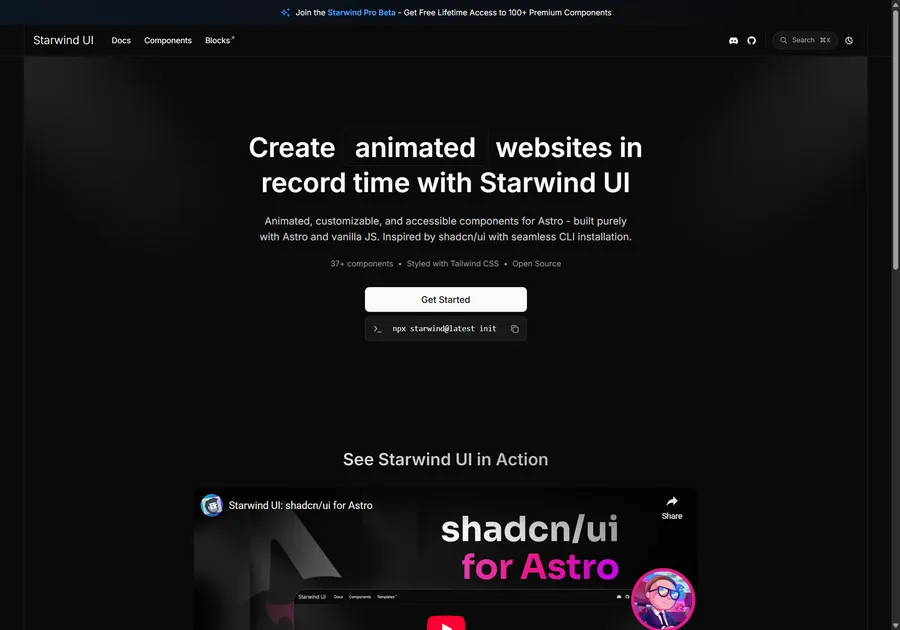
I've learned a lot developing with Astro. So I crafted 37+ animated and accessible components to help you get started with your next project. Inspired by shadcn/ui with seamless CLI installation. Free and open source.
Validate
Now you can try editing your .astro files and saving them. If you have the Prettier extension installed and followed the above instructions, it should auto-format your code, and auto-order your tailwind classes, on save.
TIP
You may need to restart VSCode or otherwise reload the Prettier extension for changes to take effect.
Great Success
You now have an improved prettier setup for Astro and Tailwind CSS. Great success. 🚀
Don't forget to follow me on Twitter for more Astro, web development, and web design tips!